Queued task workflow
Queued tasks represent assignable business records distributed through the queue mechanism. This guide uses cases as an example, but the same behavior applies to any object configured in queue settings.
Queued tasks are intended to be processed when:
- You have no active real-time interactions.
- No new chats are waiting.
- No inbound calls are pending.
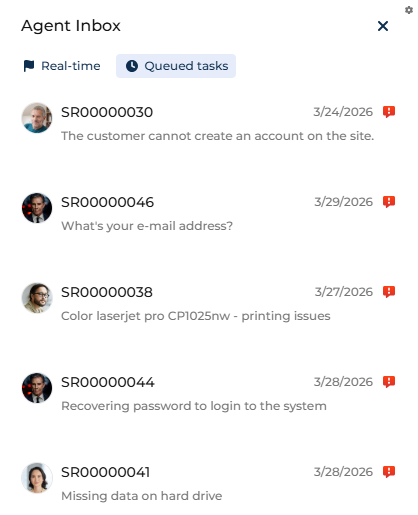
Depending on the business model, queued tasks might be the primary or only workload type.
For example, back-office processing teams, order verification teams, and compliance review teams often work primarily from queued tasks.
However, the general operational principle remains. If real-time channels are enabled, real-time work has priority over queued tasks.
Queued task sorting
Queued tasks are not ordered manually by agents. Creatio determines the order of open queue items based on the following:
- queue configuration
- priority level
- record age
- additional weighting rules if configured
The exact sorting logic is governed by the queue setup defined by administrators.
Queue control
When you open a queue-distributed case, additional control buttons become available in the top right:
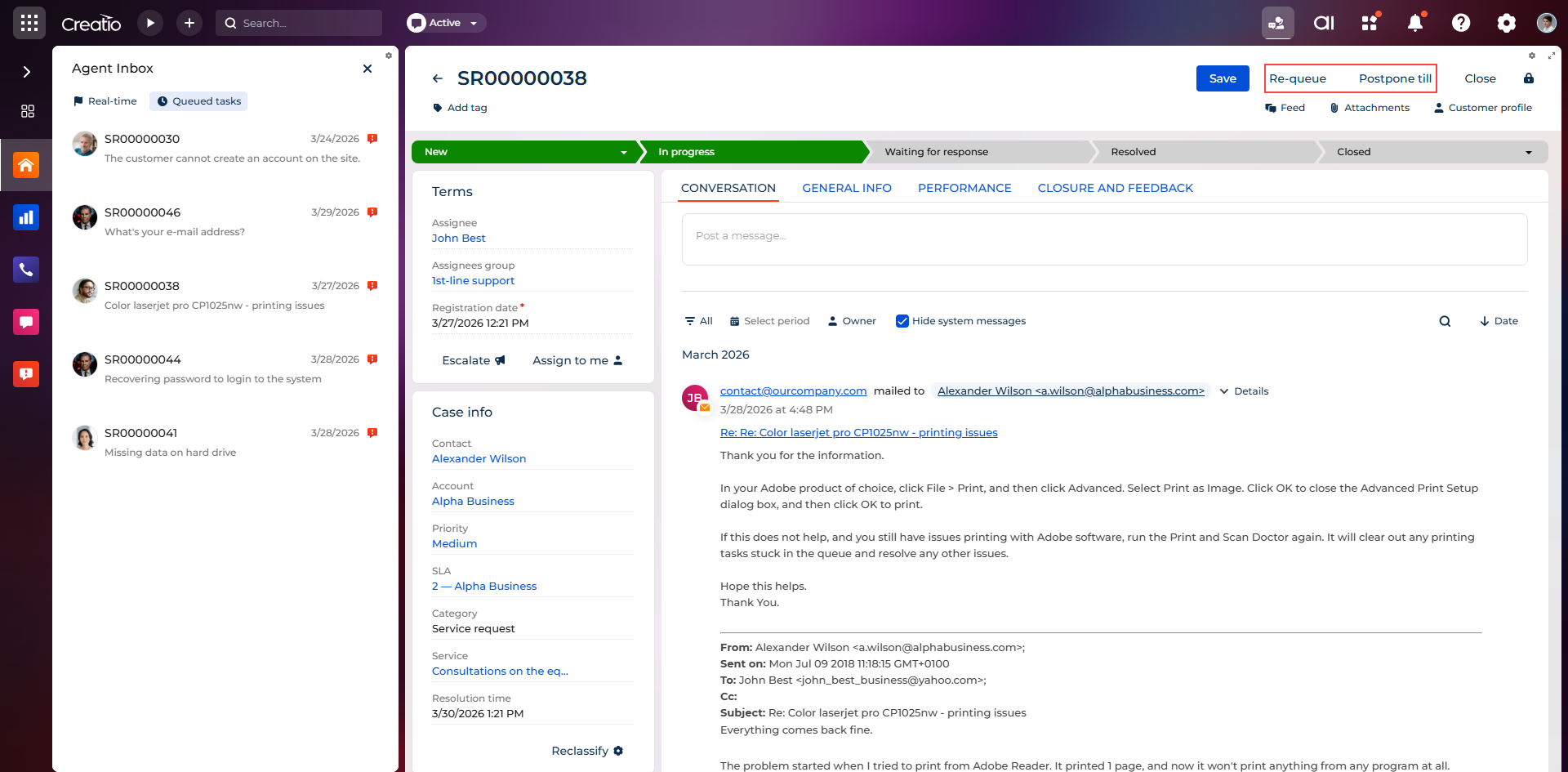
- Postpone till
- Re-queue
Postpone till
This action lets you defer processing temporarily. The case is removed from the active queue and does not appear in the Queued tasks tab. At the specified date and time, the case becomes eligible for queue processing again. For example, this is useful for the following:
- waiting for customer response
- waiting for internal approval
- waiting for required documentation
Postponing does not close the case. It only suspends its queue visibility.
Re-queue
This action returns the case back to the queue. The case is placed back into the queue, becomes available according to queue rules, and can be assigned to another agent. For example, this is useful for the following:
- You started processing but cannot complete it.
- The case requires redistribution.
- Ownership is incorrect or workload balancing is needed.