Manage the Creatio Mobile app for iOS using Microsoft Intune
If your company needs to protect Creatio Mobile data stored on employee devices, Creatio provides a dedicated app for this purpose — Creatio Mobile for Intune. Learn more: Creatio Mobile for Intune app overview. Administrators can deploy and manage this app using Microsoft Intune to ensure end users have access to it. This also facilitates additional data protection while managing devices. Learn more: official vendor documentation.
To manage the Creatio Mobile app for Android, follow the instructions: Manage the Creatio Mobile app for Android using Microsoft Intune.
Before you start managing the iOS app in Microsoft Intune:
- Sign in to the Microsoft Intune admin center.
- Make sure your user has the "Application administrator" role.
1. Create a group to manage users and add users to the group
Instructions: official vendor documentation.
For example, create the "Mobile users" group.
2. Add the iOS app to the Microsoft Intune admin center
Add the Creatio Mobile app for iOS to the Microsoft Intune admin center using App Store. To do this:
-
Click Apps → All Apps → Create.
-
Set App type property to "iOS store app."
-
Click Select. This opens the Add App page.
-
Fill out the app properties.
Property
Property value
App information tab
Select app
Click Search the App Store → Creatio Mobile for Intune → Select
Category
Business
Assignments tab
Available with or without enrollment
Click Add group → select your group → Select
-
Click Create.
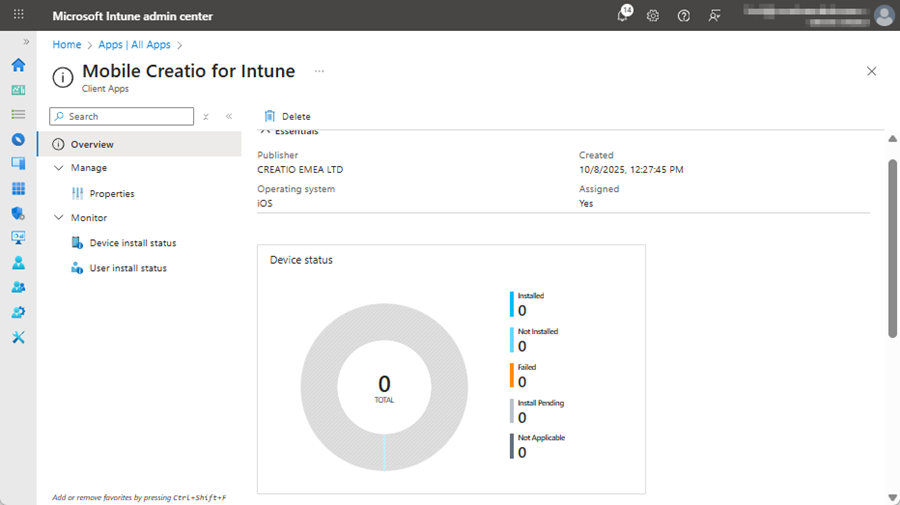
As a result, your Creatio Mobile app for iOS will be added to the Microsoft Intune.
3. Create the iOS compliance policy
-
Click Devices → Manage devices → Compliance → Policies tab → Create policy.
-
Set Platform property to "iOS/iPadOS."
-
Click Create. This opens the iOS compliance policy page.
-
Fill out the policy properties.
Property
Property value
Basics tab
Name
An arbitrary value. For example, "iOS."
Assignments tab
Included groups
Click Add groups → select your group → Select
-
Click Create.
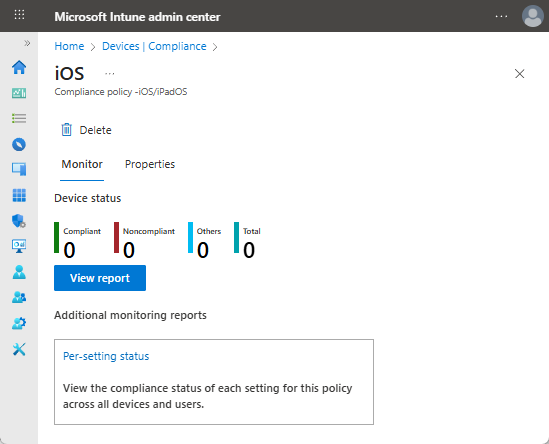
As a result, the compliance policy for the Creatio Mobile app for iOS will be created.
4. Set up the iOS protection policies
If you need to use previously created protection policy, refresh the configuration. To do this, change some of Mobile Application Management parameters. For example, restrict Copy/Paste operation. Read more >>>
To set up the iOS protection policies:
-
Click Apps → Manage apps → Protection → Create → iOS/iPadOS.
-
Fill out the policy properties.
Property
Property value
Basics tab
Name
An arbitrary value. For example, "iOS."
Apps tab
Custom apps
Click Select custom apps → select "com.creatio.mobileapp.intune" → Select
Assignments tab
Included groups
Click Add groups → select your group → Select
-
Click Create.
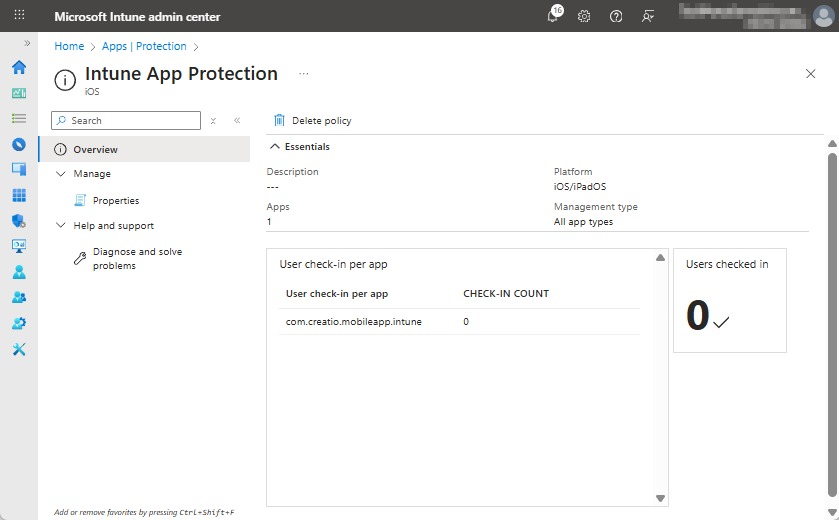
As a result, the protection policy for the Creatio Mobile app for iOS will be configured.
If you need, set up an additional data protection policy. For example, restrict Copy/Paste operation. To do this:
-
Click Apps → Manage devices → Protection → select the policy → Properties → Data protection → Edit.
-
Edit the data protection properties.
Property
Property value
Data protection tab → Data transfer block
Restrict cut, copy, and paste between other apps
Blocked
Cut and copy character limit for any app
10
-
Click Review + save.
-
Click Save.
As a result, the protection policy for the Creatio Mobile app for iOS will include the additional settings.
5. Set up the iOS device management
Add an MDM Push certificate. Instructions: official vendor documentation.
6. Apply the changes
- Re-login to your mobile portal.
- Reinstall the Creatio Mobile for Intune app.
As a result, Creatio Mobile app for iOS will be available to administrators via Microsoft Intune with managed security policies.
See also
Creatio Mobile for Intune app overview
Manage the Creatio Mobile app for Android using Microsoft Intune