Omnichannel Marketing app
Omnichannel Marketing is a composable app that lets you send bulk SMS campaigns to your Creatio contacts and monitor their results without leaving Creatio. You can create messages, schedule delivery for the right moment, track performance, and trigger SMS sending automatically as part of a marketing campaign flow. This app is compatible with the Creatio Marketing product and must be purchased separately from Creatio Marketplace. Download Omnichannel Marketing app.
SMS messages are sent via the Twilio provider only to contacts located in Europe.
Create and send SMS campaigns
The SMS section is where you build and manage your bulk SMS campaigns. A campaign starts with a message: you name it, choose whether it is a marketing or a transactional message, and decide when it goes out — right away from the section, or later as part of a broader campaign flow.
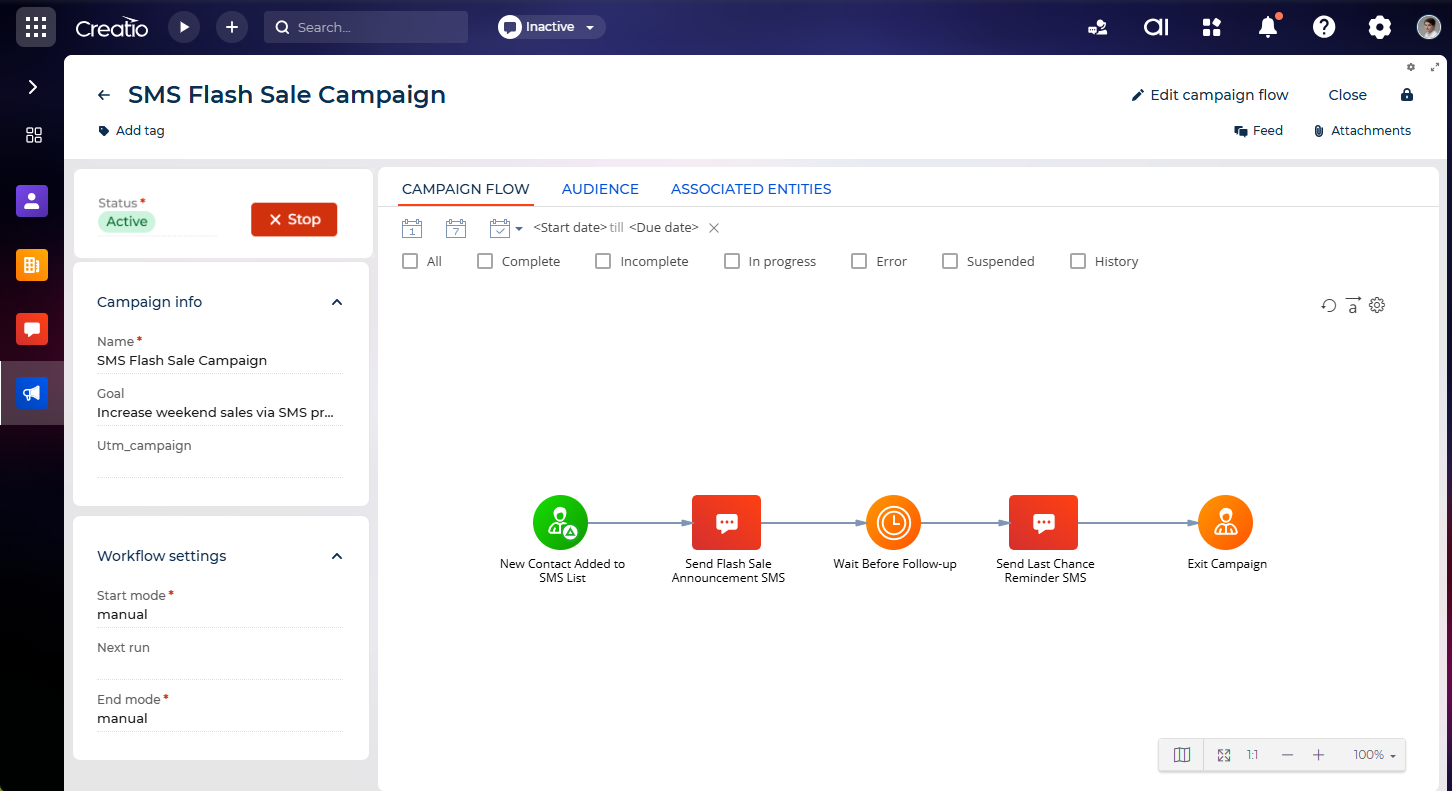
A bulk SMS campaign moves through the following stages:
- Create the message — name it and set its category and delivery method.
- Design the message — pick the sending number and write the text.
- Select the audience — choose who receives the message.
- Send or schedule — send it right away, or schedule delivery for a specific time.
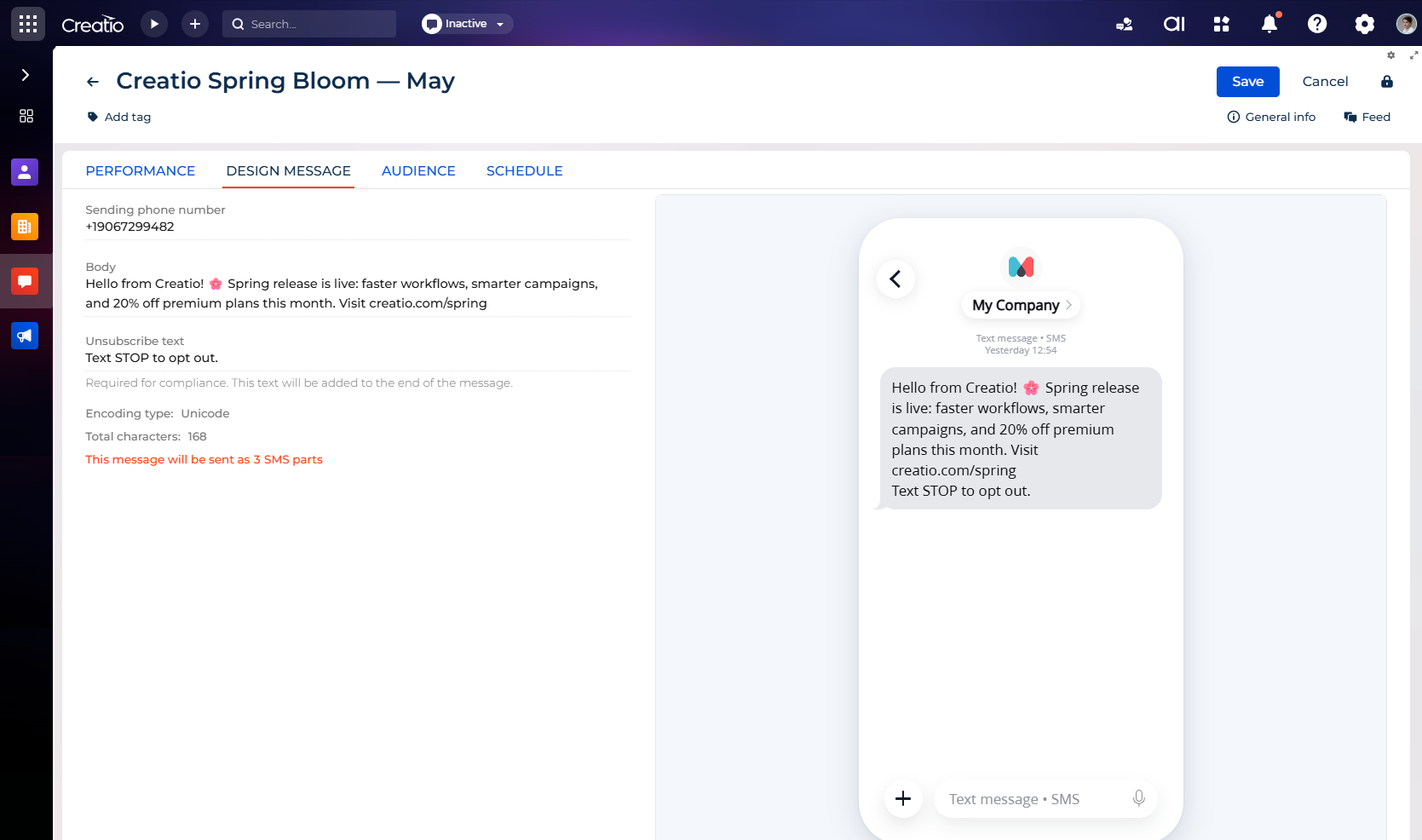
Writing the message itself is straightforward. Pick a Twilio number configured for your channel and enter the text. Creatio checks the message as you type, so you always know how it is delivered and divided into parts before you send it.
Once the message is ready and the audience is selected, you can send it immediately or schedule it for a specific date and time. Creatio shows you that time in your own time zone, so you do not have to guess across regions.
Tracking campaign performance
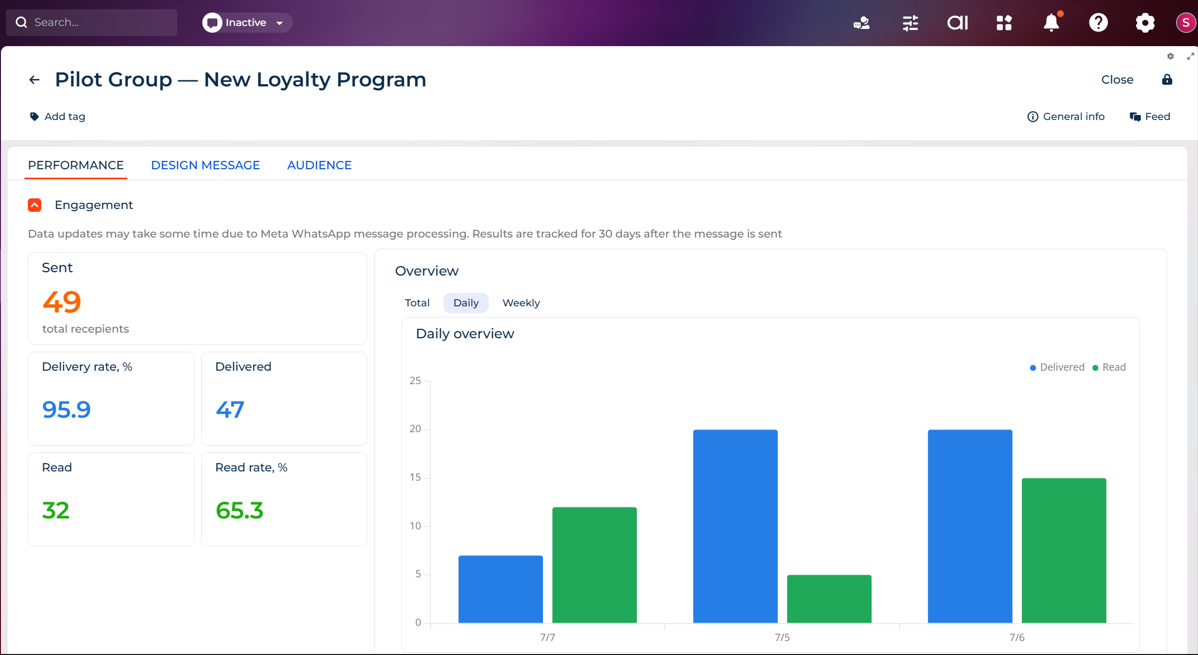
After Creatio sends the message, you can see exactly how it performed: delivery rates, opt-outs, and a full breakdown of each recipient's status. This lets you spot issues quickly, for example, if contacts are skipped because they previously opted out of marketing SMS on their contact page, and adjust your next campaign accordingly.