Create a replacing view model schema of the contact page
- Go to the Configuration section and select a custom package to add the schema.
-
Click Add → Replacing view model on the section list toolbar.
/scr_add_replacing_module.png)
-
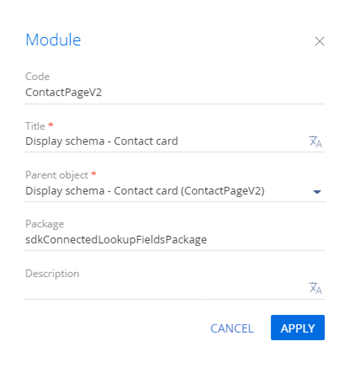
Fill out the schema properties.
- Set Code to "ContactPageV2."
- Set Title to "Display schema - Contact card."
- Select "ContactPageV2" in the Parent object property.
- Add the BusinessRuleModule module as a dependency to the declaration of the view model class.
-
Implement the value filtering for connected lookup fields.
-
Take the following steps in the rules property for the City and Region columns:
- Set the ruleType property to FILTRATION. The value sets the business rule type. The BusinessRuleModule.enums.RuleType enumeration represents the rule types.
- Set the autocomplete property to true. The property performs inverse filtering, i. e., populates the Country and State/province fields automatically depending on the selected city.
-
Add the configuration object with the layout settings of the Country, State/province, City fields to the diff array of modifications.
The base schema of the contact page has a rule for filtering cities by the country specified for the contact. To enable users to select a city from a country not specified for the contact, add a Country field.
View the source code of the replacement view model of the contact page below.
-
- Click Save on the Designer's toolbar.
Outcome of the example
To view the outcome of the example, refresh the Contacts section page.
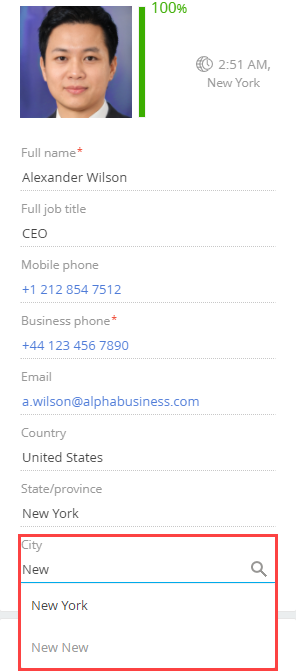
As a result, Creatio will add the Country, State/province, City connected lookup fields to the contact profile on the contact page.
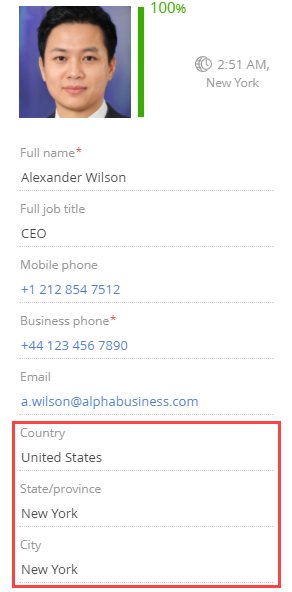
You can change the contact country in the contact profile.
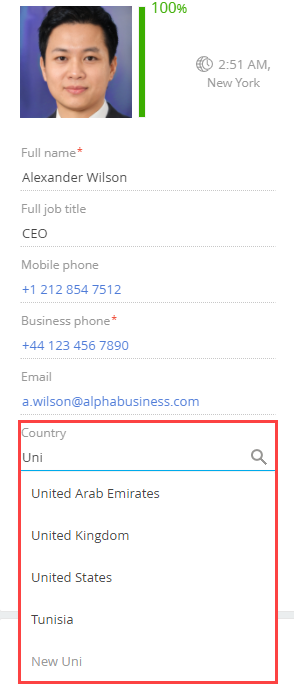
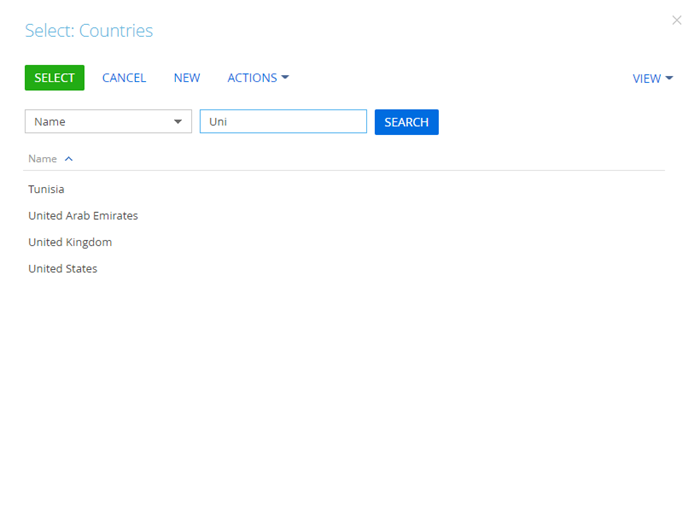
Creatio also filters the country selection box.
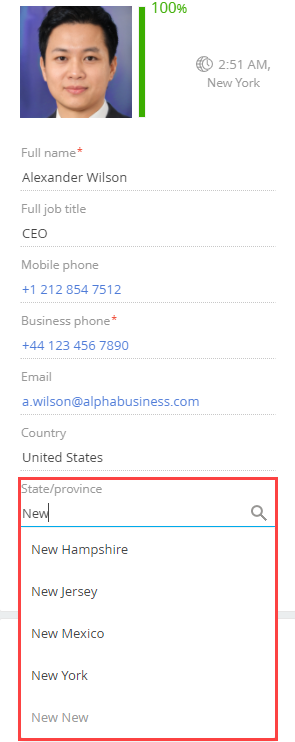
The index of selectable states/provinces depends on the country selected in the Country field. Creatio filters both the input field and state/province selection box.
The index of selectable cities depends on the state/province selected in the State/province field. Creatio filters both the input field and city selection box.