Certain phone provider connectors (such as Oktell and Webitel) support recording and playback of calls.
Note
By default, the recording of internal calls is not available. It can be set up individually for your telecommunications system.
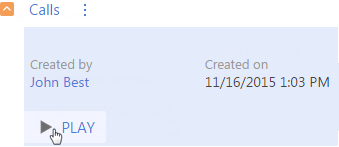
Go to the [History] tab of a contact or an account to play the call. Select the needed record on the [Calls] detail and click the [Play] button (Fig. 166).
Fig. 166 Opening calls playback
A built-in player is used to play a call. You can skip back or skip forward when playing back the call (Fig. 167).

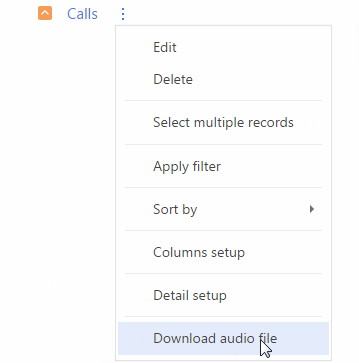
You can also download the audio file of the call. To do this, select the [Download audio file] from the [Calls] detail menu (Fig. 168).
Fig. 168 Downloading a call record