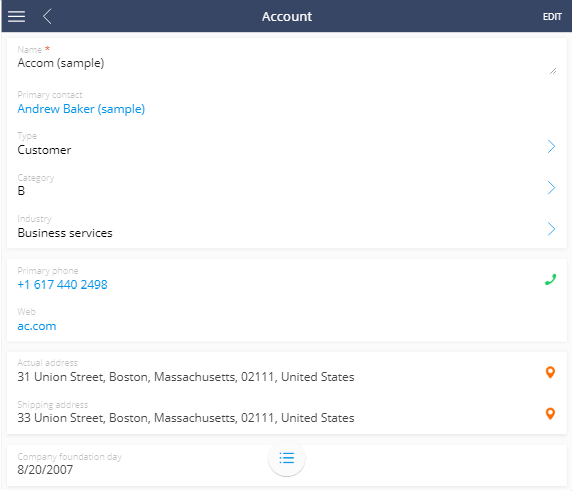
Display the page in full screen mode on tablets
Level: beginner
If you view Creatio mobile application's section page on a tablet, the section list will be displayed on the left by default.
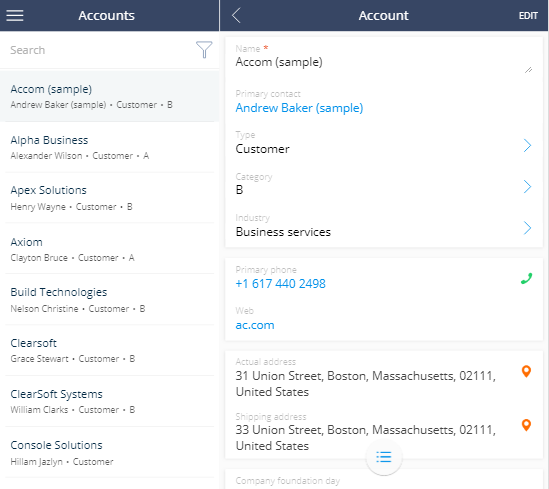
Example
Activate full screen mode on tablets.
Implement the example
Add the TabletViewMode property with the "SinglePage" value to the mobile application manifest to display the section page in full screen mode.
TabletViewMode property
{
    "TabletViewMode": "SinglePage",
    "CustomSchemas": [],
    "SyncOptions": {
        "SysSettingsImportConfig": [],
        "ModelDataImportConfig": []
    },
    "Modules": {},
    "Models": {}
}
After you save the schema and restart the mobile application, the tablet will display the section page in full screen mode.